I will edit this page when I get access to updated versions of the software. Currently it covers DXO PureRaw 4, 5 and 6, and Capture One 16.6 and 16.8. My interest is in the Olympus/OM-System cameras I use or have used in the past. I have numerous ORF raw files for photographs taken in the past with these cameras that could benefit from the advances in denoising and detail recovery algorithms. I intend to explore how these programs works with UV and NIR photographs, writing a separate page.
Introduction
I used years ago DxO Optics Pro 11 Elite, released in 2016. Although it did a good job with image processing, I found the interface cumbersome and after some time stopped using it. I was still using Lightroom at the time. While DxO Optics Pro 11 Elite was a full photography editor, the predecessor of DXO Photolab Pro, DxO PureRaw is a raw file converter, that is normally used in combination with Adobe Lightroom, Capture One or another editor.
In 2024, I tried DXO PureRaw 4 on some photographs taken in low light using very high ISO, and the result impressed me. At the time I also tried another two programs with similar capabilities, and decided to use DxO PureRaw and bought a licence to version 4. Using default settings for the DX2s algorithm, I saw some artefacts and a completely smooth “texture” in out-of-focus areas even in images captured at ISO 12800. Tweaking the settings by decreasing the “Luminance” (“grey”-noise reduction) and “Force detail” (sharpening/reconstruction) I obtained results that to me looked very good. There is a caveat, the processing did create some artefacts in the image, such as edge halos, but these were at a very small scale and visible only at high magnification. Consequently, even if when printed in A4 size a photograph taken at ISO 12800 may be difficult to distinguish from one taken at ISO 200, I could usually see a difference as well as some artefacts when printed at A3 size or in cropped photographs. One draw back was that the uncompressed linear DNG files are huge, i.e., several times larger than the original ORF files used as input. In addition, each change in settings in DxO PureRaw requires the generation of a new DNG file from scratch. This was a significant drawback. In DxO PureRaw 6 a lossy compression was implemented for the DNG files, bringing their size down to that of the ORF files or even smaller. The loss of information in practice is rarely noticeable.
Colour profiles
At the DXO web site the importance of the output being a linear DNG file is highlighted, but not well explained. A linear DNG file is produced without applying any colour profile, while retaining the embedded colour profile from the raw file, set in camera. (It is similar to what one has to use as input, for example, to Lumariver Profile Designer when creating an ICC colour profile from scratch.) As a consequence, the effect of applying the excellent colour profiles of Capture One or user generated custom colour profiles remains (nearly?) identical as when applied directly to the ORF files used as input to DXO PureRaw. I find this to be a huge advantage, as Capture One colour profiles are well known for their quality, and because for some of the light sources I use, I have created custom colour profiles.
Capture One version 16.8.0 released in May 2026 added “enhanced denoise” based on image analysis. The workflow becomes substantially different, as all steps can be done in the same software. Crucially, Capture One, being itself a raw converter, does not save the enhanced image but instead the data obtained from the analysis of the raw file as a “sidecar”. The size of the file containing these data is similar to that of DxO PureRaw 6 compressed flat DNG files. However, for a given raw file the analysis is done only once, and settings controlling denoise and detail recovery can be applied based on this single analysis. This includes all edited variants derived from the same raw file. This raised a new question compared to when I did the original comparison I originally described in this page, and made additional comparisons necessary to decide which workflow to adopt. I, thus, have updated this page in June 2026.
Lens profiles
As a user of micro four-thirds cameras and lenses I have found Capture One lens profiles to be sometimes unavailable and sometimes when available, to result in bad corrections of colour fringing at certain magnifications. In contrast DXO lens profiles in DxO PureRaw make a consistently good job, at least based on my experience. In addition, DxO has profiles for all the MFT lenses I use, both from Olympus/OM-System and from Sigma. For lenses that can be used with teleconverters, DxO provides profiles for each lens plus teleconverter combination. There are profiles even for four-thirds lenses that can be used with an adapter on the OM-1 and other MFT cameras, some of which I have used in the past. Having good lens profiles that effectively correct automatically colour fringing and other aberrations saves time when editing large sets of photographs. For example, I have found that in some earlier versions of Capture One, the lens profile for the M.Zuiko 60mm 1:2.8 Macro when applied to photographs taken at close distances can make the colour fringing worse than without applying a profile. To fix this problem, a correction had to be computed based on the image, and this correction based on analysing the image takes some time and is not necessarily as good as that based on a well matched lens profile usable through the whole focusing range of a lens. The profile-based corrections can be disabled individually if one desires to preserve the “character” of the lens.
DxO mentions that their lens profiles take into account variation among camera sensors. Although not explained in detail, back side illuminated (BSI) sensors behave differently than front side illuminated sensors when light impings on them at an angle away from the normal, thus the same lens can differ in vignetting properties, and possibly in the visibility of chromatic aberrations, depending on the type of camera sensor (see page Notes on the OM-1 (digital) camera and links therein).
Processing time
On a workstation
The main computer I use for editing photographs is an HP Z4 G4 workstation with a 6-core Xeon W-2135 CPU and 64 GB ECC RAM and an NVIDIA Quadro P4000 GPU with 8GB VRAM. RAW files and in the case of Capture One, also catalogues are stored on SSD. The HP Z4 G4 was released in 2017 and manufactured during a several years, but it is far from state-of-the-art.
Processing by DxO PureRaw is slow enough that for medium and large sets of raw files (> 50-100 photographs), processing files in the background or overnight is most convenient. The largest batch I have processed over night in DXO PureRaw 4 and 5 consisted in over 1000 raw files. This worked smoothly. In fact, loading the files can be slow in PureRaw 4 (but not in PureRaw 5) if other or the same processed files are already present in the destination folder. Although I have seen this described as a bug, what seems to be happening is that DXO PureRaw checks for each raw file being added to the batch processing queue if a matching processed version of the same file already exists in the destination folder. It seems to be doing this file by file. If there are already hundreds of DNG files in the destination folder and one is adding hundreds of files to the queue, the repeated search can take a very long time. If the destination folder does not yet exist or is empty, adding the files to the queue is extremely fast in both versions 4 and 5. In this respect version 6 performs similarly as version 5.
PureRaw provides two different algorithms for processing the photographs: DeepPRIME and DeepPRIME XD2s/XD (version 4) and DeepPRIME 3 and DeepPRIME XD2s/XD (version 5). With DeepPRIME XD2s/XD, the most effective in recovering detail and slower of them, it takes approximately 26 s per ORF (Olympus OM-1, 20 Mpix) raw file in my computer, using the GPU to 95% of its capacity but making little use of the CPU, thus making concurrent use of other software possible. Version 6 makes available the improved algorithm DeepPrime XD3 to all cameras. It is described as recovering more details, but the difference seems subtle. In my computer there is little difference in processing time when using XD3 in PureRaw 6 compared to using XD2s in PureRaw 5. Capture One uses the GPU only in short bursts during normal editing, relying mostly on the CPU, and with enough RAM available both programs remain normally responsive when used concurrently.
Capture One’s enhanced denoise initial processing takes longer, about 75 s per raw file in this computer, but as it takes place in the background, Capture One’s other editing tools remaining fully functional and normally responsive. As with DxO PureRaw, the computations are done in the GPU using 95% of its processing capacity. This is with an NVIDIA Quadro P4000 graphic card with 8GB of VRAM. Modern GPU’s are expected to be faster.
On a laptop
On a Thinkpad T495s with a AMD Ryzen 7 PRO 3700U w/ Radeon Vega 10 Mobile Gfx, 16 GB shared RAM, 2 TB PCI-3 SSD.
I have not tested DxO PureRaw on this laptop as the licence allows installation on a single computer.
Capture One runs just fine on this laptop for normal photography editing except for the small screen. Enhanced denoise does work, but runs on the CPU and is terribly slow at about 12 min per 20 MPix ORF file. This is not surprising, as this laptop does not fulfil the minimum requirements. Anyway, it is nice to see that Capture One still works if albeit very slowly. Obviously, with Capture One making very heavy use of the CPU, other editing tasks and anything else running concurrently is also slowed down both when the sidecar file is generated and when denoising is applied to the image.
Data storage
With DxO PureRaw, it is necessary to retain the RAW (ORF for Olympus/OM-System) to be able to take advantage of future enhancements to the algorithms. With Capture One, this is also necessary to take advantage of its future improvements. Of course, if one considers a given edited variant the final one, one can export it as a TIFF file and delete all the raw and intermediate files.
The uncompressed DNG files produced by PureRaw 4, 5, and 6 are much larger than the original ORF files. Thus, the most significant new feature in PureRaw 6 is a new lossy compression option that brings the size of DNG files to that of the ORF files or even smaller. At reasonable print or screen size, and without heavy-handed editing the compressed DNG files are nearly indistinguishable from the uncompressed ones. Capture One’s use of a single sidecar file of a size similar to a PureRaw’s compressed DNG can potentially save even more storage space if one works on variants differing in raw-conversion settings.
Performance with older cameras
As I have been saving images taken with Olympus cameras as ORF raw files since 2007, I have files available for testing PureRaw and Capture One. The cameras are Olympus E-510, EM-1, EM-1 II, and OM-1. PureRaw includes profiles for all of them and for the lenses I have used with them. Along the way image sensors improved and also cameras allowed much higher ISO settings, in part by producing noisier output. The highest ISO settings supported by these cameras are different, ranging from ISO 1600 to ISO 102400, a difference of 8 EV. I have photographs from the E-510 taken at its highest ISO 1600, which for sensors of 20 years ago, resulted in very noisy raw files. I do have still the other three cameras in working condition, and it would be possible to take new photographs side by side for a proper comparison. However, my aim here is not to compare cameras.
OM-1 at ISO 12800
The digital Olympus OM-1 camera was released in 2022. The highest ISO setting in fast sequential mode with pro-capture is ISO 12800 (ISO >= 16000 slows-down the maximum capture rate). In single frame mode the maximum value supported is ISO 102400, thus, ISO 12800 is well below the nominal maximum.
I edited the same ORF raw file of a photograph taken at ISO 12800 using two workflows. 1) Conversion from ORF to linear DNG in PureRaw, followed by edit in Capture One Pro, 2) Conversion from ORF and edit in Capture One Pro, trying my best at matching the result obtained in 1). With the versions of these software available at the end of May 2025, the resulting images were very different Figure 1 photos a) and c). PureRaw removed noise preserving details, while in Capture One one had to choose one or the other. Even using masks, and different settings for noise reduction and sharpening for subject and background I was unable to obtain a comparable output image in c). OM System’s own free software removed noise very effectively while recovering less detail than PureRaw or Capture One, but providing a natural looking and artefact-free image e) with almost no effort (I failed to adjust the white balance to match the a) and c)). Almost one year later the situation drastically changed with the just released Capture One 16.8.0 with the new “enhanced denoise” feature producing image d) which is as noiseless as with the current DxO PureRaw 6.2 b). The edits in these two new images b) and d) are copied from a) and c), respectively, except that the enhanced denoise made it possible to increase the clarity and detail settings in d).





The change from PureRaw 4 XD2s to PureRaw 6.2.0 XD3 is not improved noise reduction but a more natural look in the restored details. This is with default settings, so not necessarily the best that can be achieved with either version. Anyway, I very much prefer for this photograph, image b) to image a), as its look is more natural and tolerates higher magnification before artefacts become visible. Images c) and d) are day and night! The new enhanced denoise removed more noise than PureRaw 6.2.0 maintaining detail without generating any artefacts that I can see. It did not increase contrast or sharpness but made it possible to use similar settings for clarity and detail as I would use for ISO 200. The result is, unexpectedly, as good or slightly better than with PureRaw 6.2.0 in this very first release Capture One’s enhanced denoise. Capture One and DxO PureRaw 6 are so close that which one works better is likely to depend on the specific photograph. PureRaw 5 tends to recover details from out-of-focus regions, which I sometimes find is a nuisance. I do not know yet how PureRaw 6.2.0 behaves in this respect.
OM-1 at very high ISO
Test at ISO 102400 pending.
E-M1 Mk II
With photographs taken with the E-M1 Mk II camera from 2016 with a 20 Mpix sensor, PureRaw 5 worked nearly as effectively as with photographs taken with the OM-1 (“Mk I”) camera from 2022 with 20 Mpx “BSI” sensor. I have not yet used the newer programs with files from this camera. Although the sensors in the E-M1 Mk II and the OM-1 have the same resolution, they differ significantly in the properties of the noise. The E-M1 II at very high ISO is affected by banding and patchy noise while the noise in the OM-1 (and OM-1 II) is pattern-free and appears like random noise. This even distribution of noise seems to make noise reduction algorithms more effective and the recovery of details less prone to generate artefacts.
E-M1 Mk I at ISO 16000
With photographs taken with the E-M1 (“Mk I”) camera from 2013 with a 16 Mpix sensor and an extended ISO range reaching ISO 25600. With DxO PureRaw 4 image-analysis-based noise reduction works well even at this high ISO, but results for detail recovery are not as good as with newer cameras with more uniform and featureless noise patterns. In practice this means that the denoised images even if greatly improved, look good only at moderate sizes.
While the example above from the OM-1 camera is from a relatively small crop, the photograph I use here is only moderately cropped. The ISO setting was extremely high for an MFT camera from 2013: 16000. The noise reduction is very effective but detail recovery is less effective, most likely, because there is not enough information in the ORF file. To get what I think is a pleasant result I had to decrease the “Impact” setting from 50 to 45 in Capture One “enhanced denoise” and increase the “Luminance” denoise in PureRaw from 30 to 35. Denoising in Capture One did not affect the colour temperature or contrast, while it altered them in PureRaw. I had to manually adjust these settings to obtain comparable images. Here I only compare DxO PureRaw 6.2.0 against Capture One 16.8.1 with its default denoise settings and using “Enhanced Denoise”.
In this case the most effective denoise with default settings is from Capture One enhanced denoise. Given the lack of recoverable detail, this is not a very pleasant result and I preferred as shown in Figure 2 to slightly decrease the impact. DxO PureRaw DX3 by default failed to effectively decrease the noise. More specifically the remaining noise pattern is coarser, and increasing slightly the Luminance denoise (roughly equivalent to Capture One’s Impact control) produced a result that I thought to be more pleasant.
Olympus E-510 at ISO 1600
My initial tests with DxO PureRaw 4 with ORF files from the E-510 four-thirds camera seemed less encouraging, but now using DxO PureRaw 6.2 and Capture One with a well exposed raw file are very good. The E-510 was released in 2007 and has a 10 Mpix sensor. The highest available ISO in this camera was 1600. I used ORF files captured at ISO 1600 taken in 2008. With lower pixel resolution, and more sensor noise I expected less recoverable information and more difficult to remove noise.
In this case the most effective denoise with default settings is from Capture One enhanced denoise. Given the lack of recoverable detail, this is not a very pleasant result and I preferred as shown in Figure 3 to slightly decrease the impact. DxO PureRaw DX3 by default was slightly less effective at denoising. Increasing slightly the Luminance denoise (roughly equivalent to Capture One’s Impact control) produced a result that I considered to be more pleasant.
Conclusion
Using the OM-1 camera with the M.Zuiko 300mm 1:4.0 with a MC-20 2x teleconverter, both DXO PureRaw and Capture One 16.8.1 make it possible to take reasonably good-quality photographs of birds in low light conditions or in flight. It is quite an amazing feat of technology from both OM-System and DxO/Capture One, that makes it possible to get a field of view equivalent to that of a 1200 mm full-frame lens at f:8.0 and use it handheld to take photographs in the dense shade of trees, when the sun is low in the sky or under dark overcast sky conditions, and still obtain high quality images at a rate of 50 frames per second.
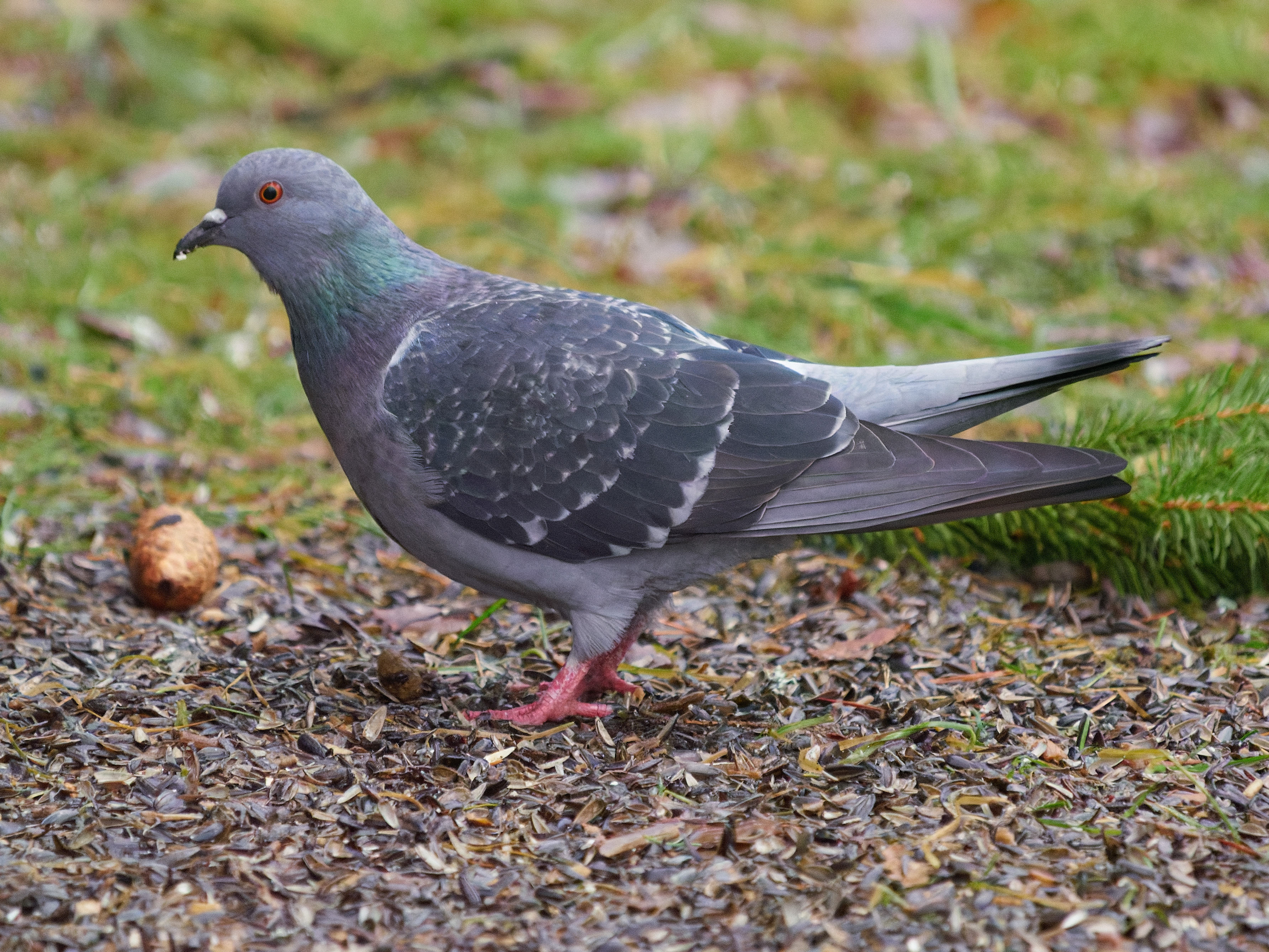
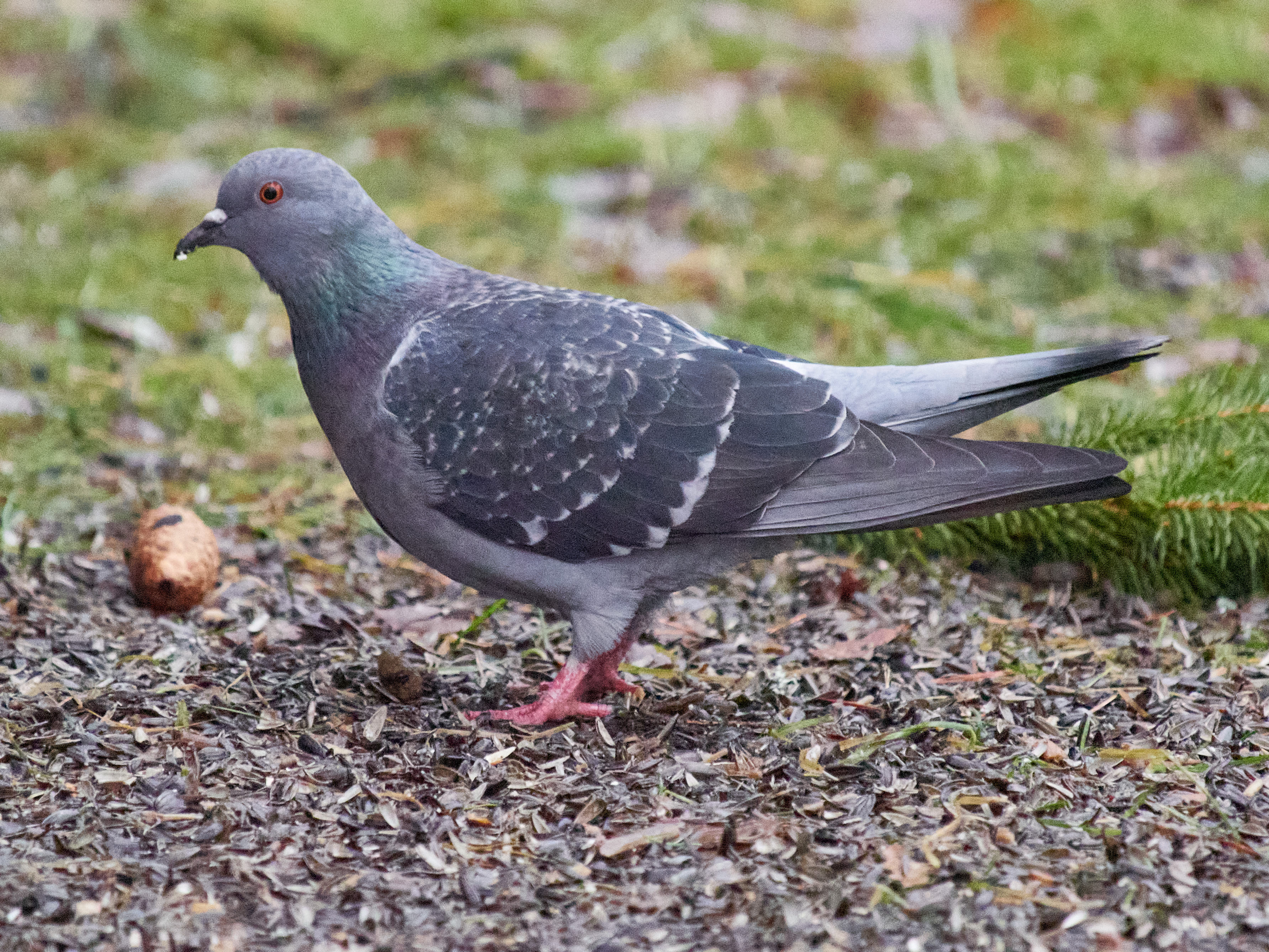
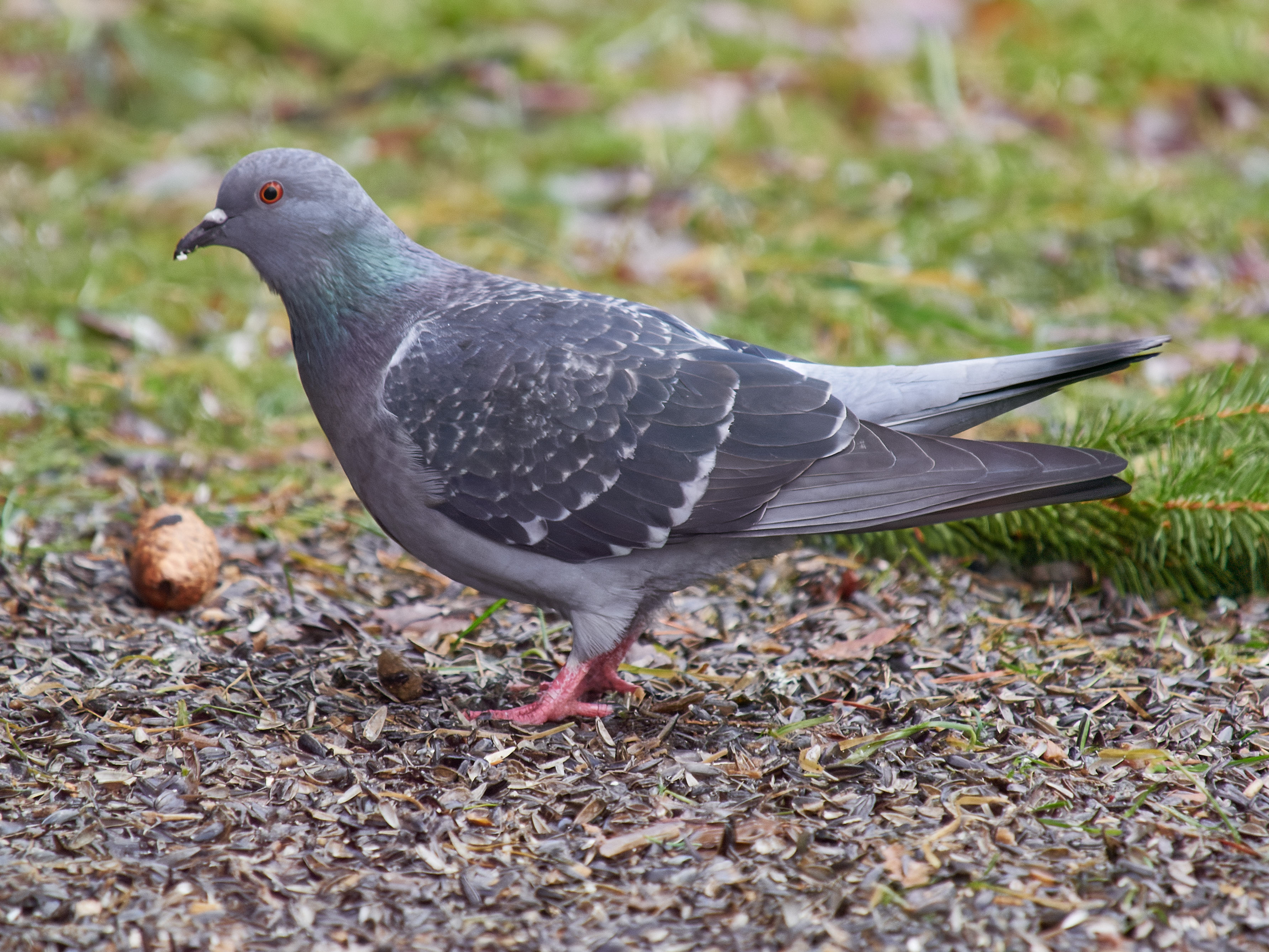
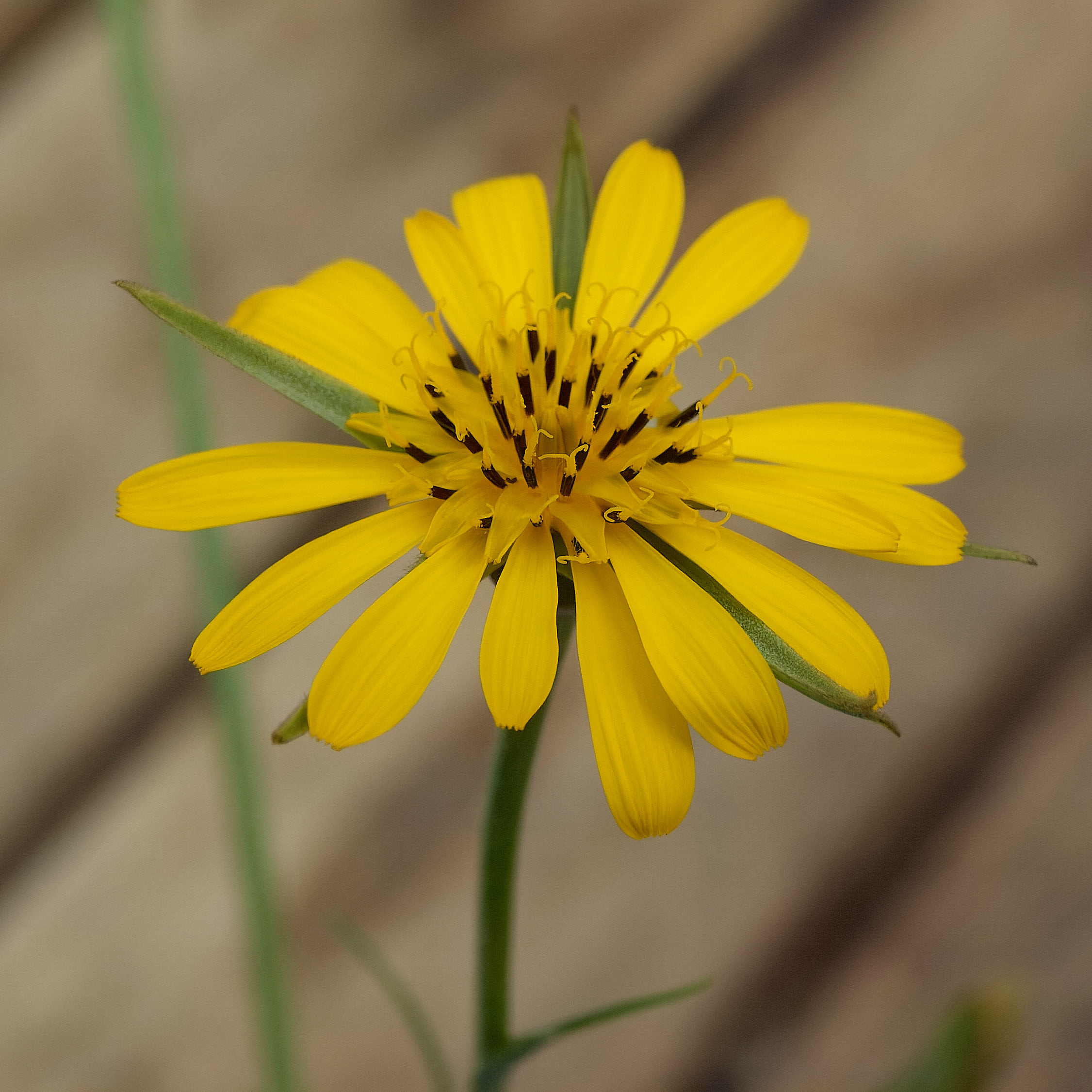
It am happy to have not deleted all ORF raw files taken at high ISO with the Olympus E-M1 and E-510 cameras of about 10 and 20 years ago, because newer algorithms combining denoise with raw conversion can markedly improve their quality. These files that would have been earlier discarded, can now be recovered into usable ones! The example file above of a dove was taken handheld in very low natural light with the four-thirds Olympus 50-200 mm f:2.8 zoom lens and a x1.4 teleconverter, with a field of view equivalent to that of a full-frame lens with a 560 mm focal length. The image of the flower was taken handheld with the Olympus “kit” 14.0-42.0 mm f/3.5-5.6 normal zoom lens set at 42 mm and f:8.0.
Capture One 16.8, released in May 2026, incorporates a new noise reduction approach (“Enhanced denoise”), based on image analysis, that seems already competitive with PureRaw 6.2. Both are capable of excellent denoising and detail recovery, inherent differences are very small and seem mostly explained by the different default settings.
As it tends to be the case with other functions in Capture One, the user interface and workflow integration are centred on usability and simplicity. I have been using enhanced denoise for only a short while. My first impression is that while noise reduction is as good for newer cameras and possibly better for older cameras than in PureRaw 6.2, detail recovery is much subtler and much less prone to generate artefacts when using defaults. Enhanced denoise, as implied by its name, does not apply any clarity adjustments or sharpening. These are applied separately as usual, with the difference that much stronger settings than before denoising can be used. I find this easier as adjustment changes refresh quickly and can be adjusted at any time during editing, which is important as other adjustments like contrast or curves can interact. Having enhanced denoise well integrated into the editing workflow within a single program is a big advantage. I will keep using both Capture One and DxO PureRaw at least for some time. Lightroom, Luminar, Topaz, ON1 Photo RAW, etc., have also advanced noise reduction features nowadays, however, DxO PureRaw is usually considered to be the software that gives best and consistent results. I stopped using Lightroom several years ago, and I played with the trial versions of other programs around 2023, when I thought DxO PureRaw worked best with my cameras, lenses and subject matter.
- After adjusting settings, comparable results can be obtained with DxO PureRaw 6.2 and with Capture One 16.8.0. There are some differences: DxO has the best lens + camera profiles but during denoising alters colours and to some extent luminosity; Capture One is well know for its colour profiles and its enhanced denoise has no effect whatsoever on the white balance or luminosity.
- The most important differences are in the user interface and workflow, not in the end result.
- Denoising algorithms and software are evolving fast. Only weeks ago, I needed DxO PureRaw to denoise high ISO raw files, now I can convert and denoise most of these raw files within Capture One.
- It is worthwhile looking for alternatives only if the software one uses is lacking features one badly needs. Otherwise, waiting for upgrades of the currently used raw converter is likely wiser.
- My main interest when doing these tests was to understand how much raw files from cameras I have used one or two decades ago and cameras that I am currently can be improved by state-of-the-art raw converters. The answer to this is, a lot!
- It is worth-while not to discard very high ISO raw files and over and under exposed ones if they are irreplaceable, even if they are currently unusable. Image processing and raw conversion algorithms and computer performance for AI algorithms seem to be now improving faster than image sensor performance.
- This progress is making relatively small sensors like 4/3 and APS-C good-enough for use in low light situations.
Since the release of Capture One 16.8.0 have used DXO PureRaw only occasionally. Even if denoising in CaptureOne is slower, because of the use of the sidecar file with the analysis information, it needs to be run only once per raw file. I also prefer its user interface. In current Capture One 16.8.6 enhanced denoise performance remains similar to that in 16.8.0 from five months ago and the only oddities I have noticed in 16.8.0 and DXO PureRaw 6 are related to extreme artefacts with 80 Mpix ORF files from the OM-1 (high resolution sensor shift with a tripod).